Run your whole shop on one fast screen
Sell, track stock, manage customers, and sync everything to the cloud. Built for shops and restaurants — learn it in minutes, not days.
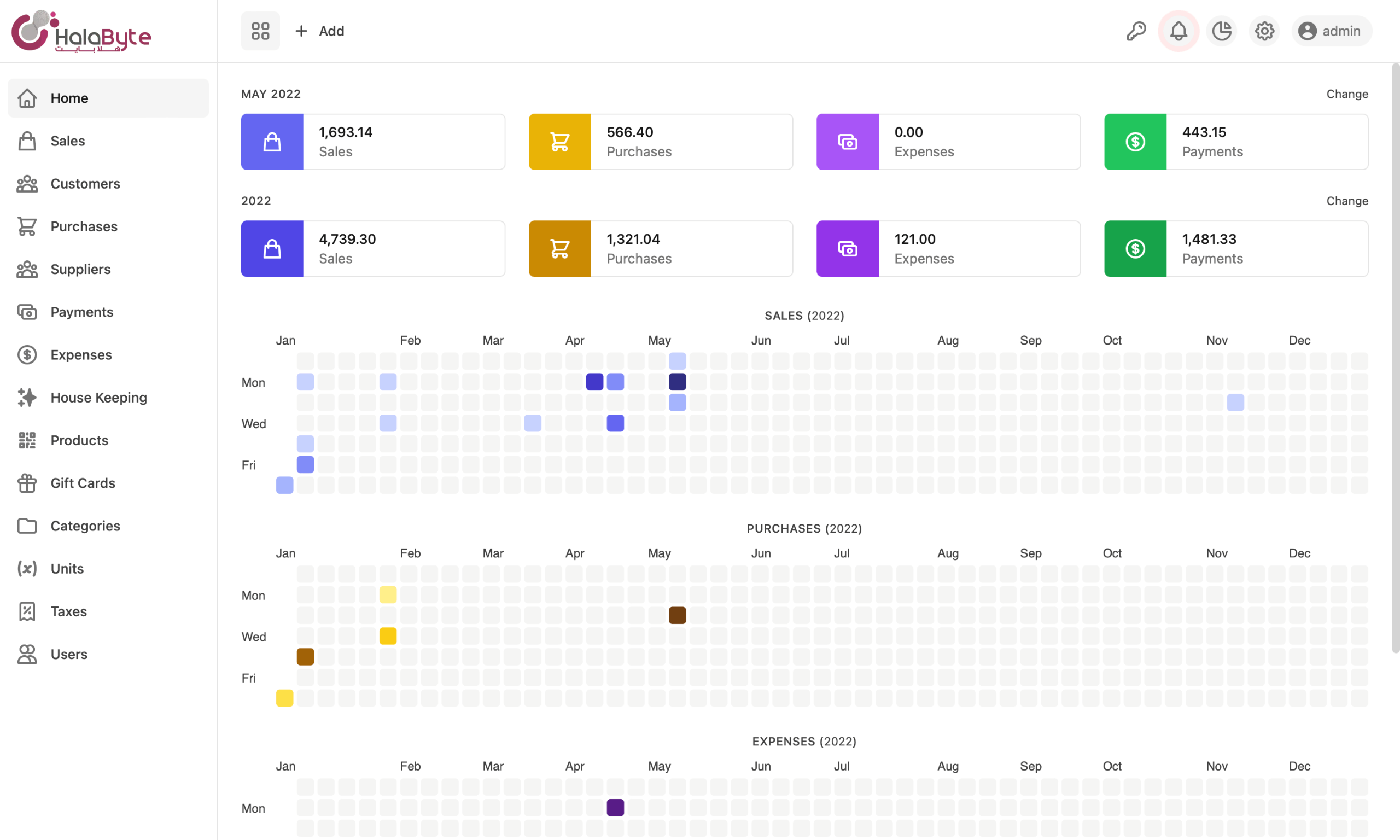
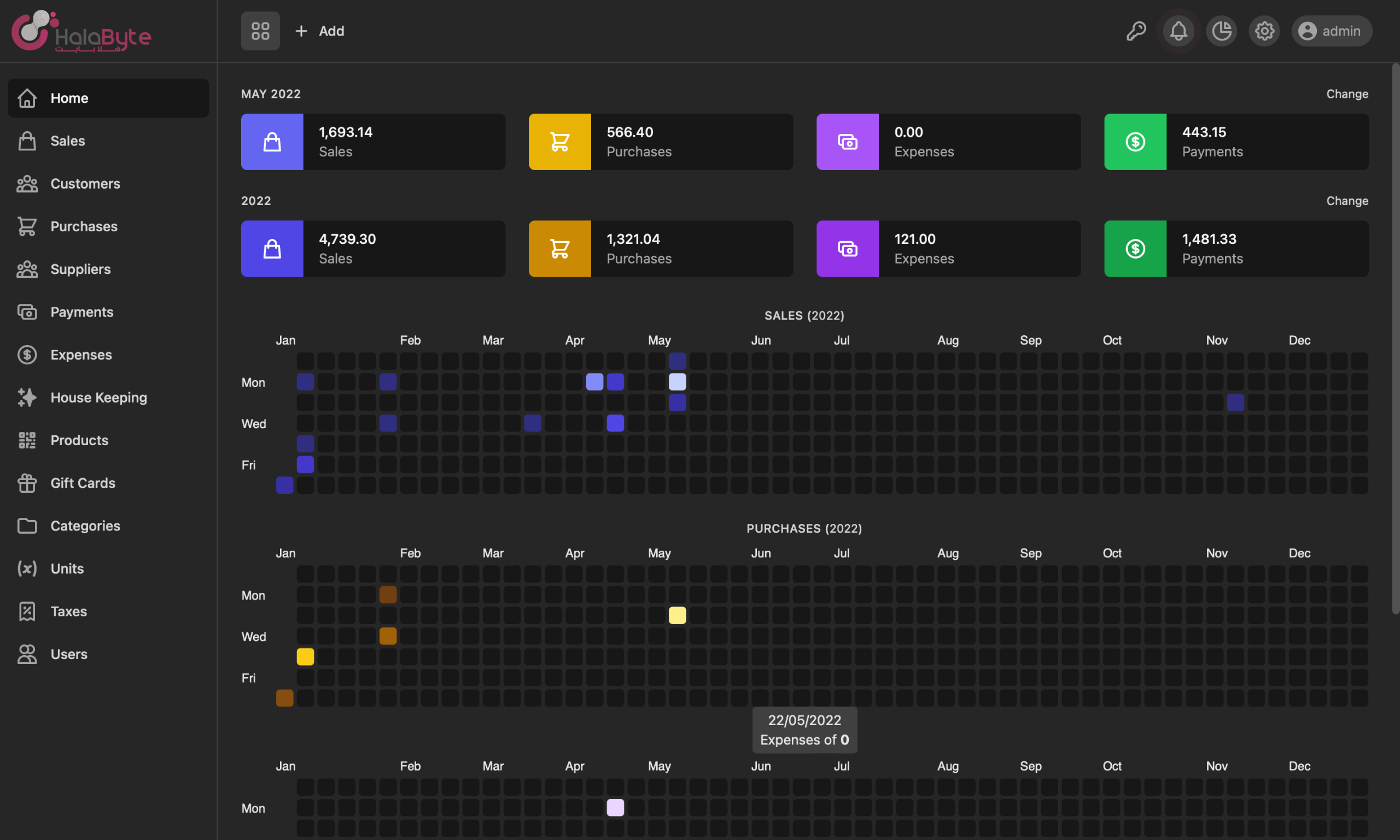
Everything you need to run your store
From the point of sale to inventory and reporting, Halapos brings together the tools shops and restaurants need to sell, track stock, and manage day-to-day operations in one place.
-
Simple Design
- Simple point of sale screen design with categories and 3 products grid styles.
-
Multiple orders
- Open multiple orders at same time, just click the orders button to change or open new.
-
Keyboard shortcuts
- Shortcuts for almost all the actions you perform including alerts, sales and reports.
-
House keepings
- Keep record of your return sales & purchases along with product damages and others.
-
Settings
- Easily configure the POS and set receipt header and footer messages as you need.
-
Reporting
- Tax & Totals report, sales and others with customization form to get desired report.
-
Expenses
- Keep track of all your expenses, customers along with their purchase & payment history.
-
Multiple taxes & gift cards
- Multiple taxes can be assigned to products and/or orders, accept payments by gift cards.
Sales, purchases & payments
Manage all your sales, purchases, payments, and house keepings — return sales, return purchases, damaged stock, and found unknowns — with a simple, familiar interface.
Customers & suppliers
Track customers and suppliers with full payment history, account balances, and dues. Set a credit limit per customer and get an alert when they reach 80% of their threshold.
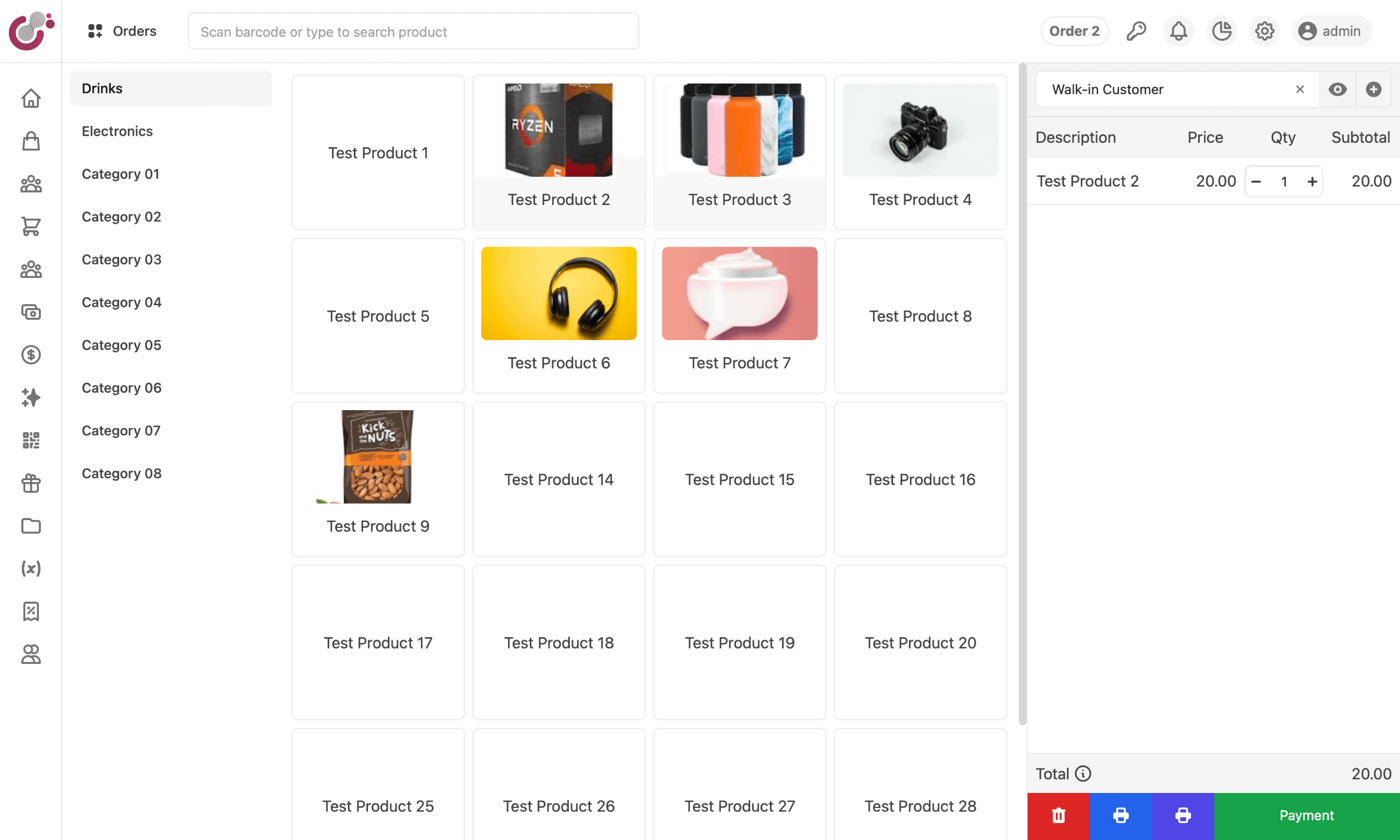
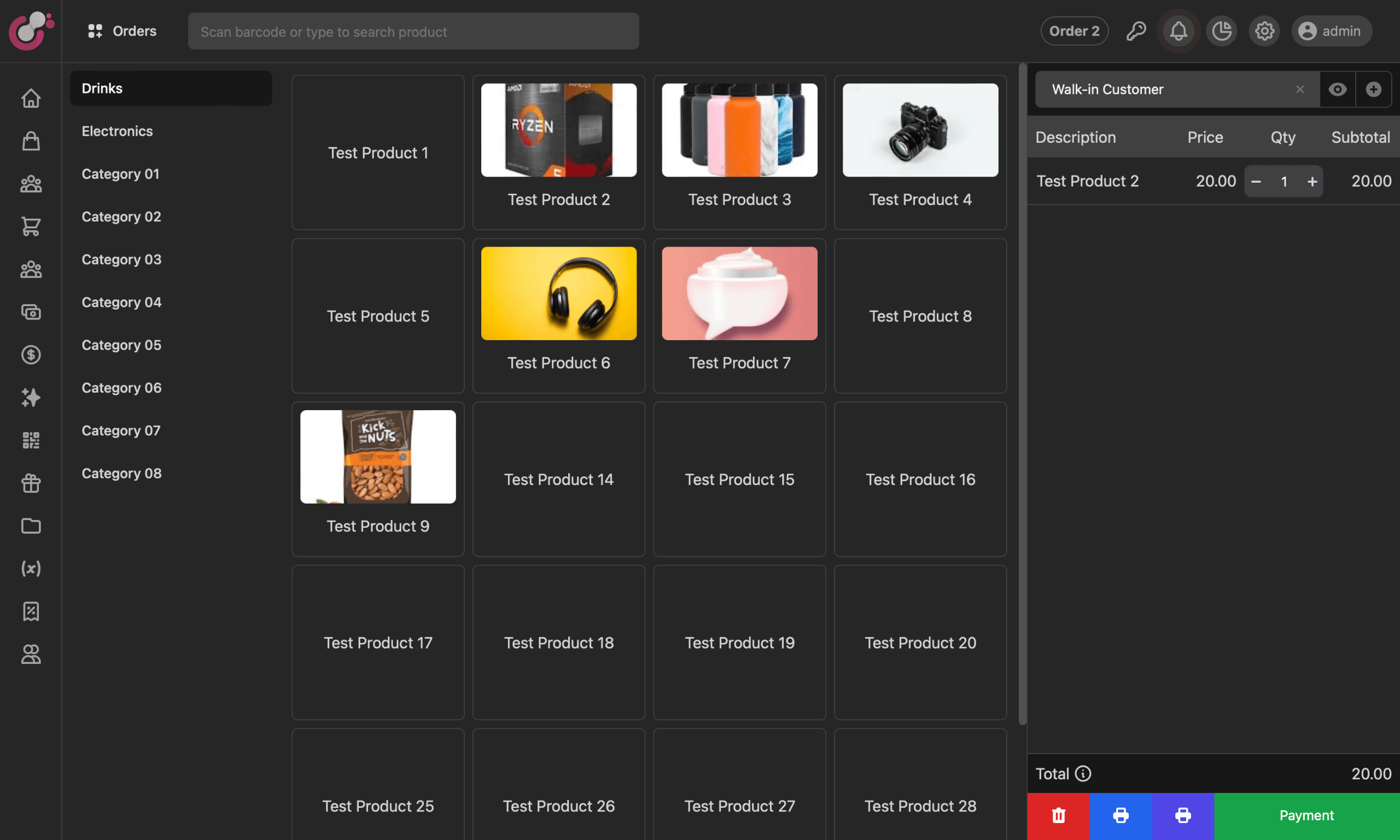
Start serving customers in no time
Install HalaPOS, import your categories, configure units, taxes, and settings, add products with images, and start selling. Composition products are supported, and payments attach directly to customers and suppliers so you never lose track of a transaction.
Up and running in minutes
Download & install
Get HalaPOS for Windows or macOS, free.
Add your products
Bring in your categories, products, units, and taxes.
Start selling
Open the POS screen and ring up your first order.
Choose your plan
Not satisfied? Contact us within 14 days for a full refund.
Perpetual license
Pay once, use it forever.
What's included
- Import categories & products
- Product units
- Backup & restore
- Reports (tax & totals, sales)
- Multiple taxes & gift cards
- House keeping
Cloud
Sync across devices, online.
- Cloud backup
- Multi-device access
- Web ERP
Loved by shop owners
It's very user-friendly software to help me manage my business. But I think they must include advance accounting part to this in future, like ledger accounting. Then this will be best ever.
Mohd
CEO, Sunset Rest.
Frequently asked questions
What's the difference between Free, License, and Cloud?
Free is the basic desktop version. The Perpetual license unlocks the full app on one machine for life. Cloud syncs your data and works across machines via our cloud plans.
Is the perpetual license per-machine? Is it transferable?
It's a non-transferable, single-machine license for the life of that machine. Reinstalling the operating system is fine; moving it to different hardware is not.
Is my data backed up?
The desktop app stores data locally, so back it up regularly — especially before clearing your browser cache or when your disk is around 80% full. For automatic cloud backup and multi-device access, use a Cloud plan.
Which platforms are supported?
Windows 10 and higher, and macOS 11 and higher. A Linux version is coming — watch our GitHub repo for announcements.
Can I get a refund?
Yes. If you're not satisfied, contact us within 14 days for a full refund.